


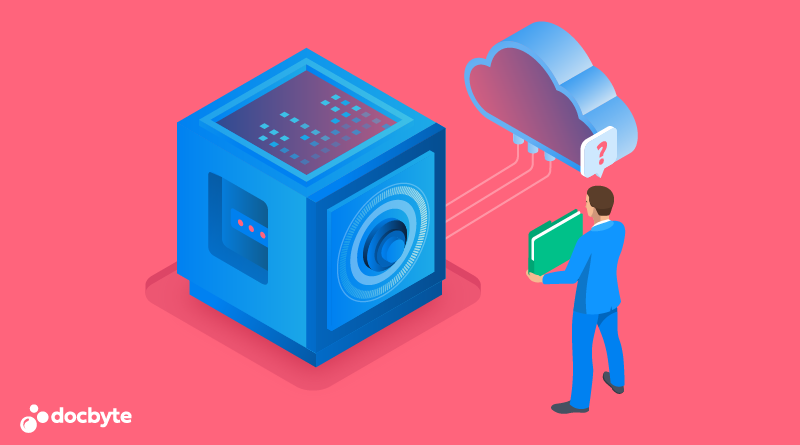
In today’s fast-paced business environment, efficient management of office operations is crucial for productivity and success. One of the fundamental aspects of modern office management is the digital archiving of documents. This process not only conserves physical space but also enhances accessibility and security of information.
Archive documents digitally streamlines various administrative tasks and processes, transforming the traditional office into a more dynamic and flexible workspace.
Understanding Digital Document Archiving
What is Digital Document Archiving?
Digital document archiving involves converting paper documents into digital formats and storing them in a computer system or cloud-based service. This transformation allows for easy retrieval, sharing, and management of documents.
Key Components:
- Scanning: Paper documents are scanned using either a dedicated scanner or a multifunction device.
- Indexing: Digital files are tagged with metadata for easy search and retrieval.
- Storage: Documents are stored in digital formats on various platforms, such as local servers or cloud services.
Benefits of Digital Document Archiving
- Enhanced Efficiency: Access to documents becomes instant and searchable, significantly reducing the time spent on manual retrieval.
- Improved Security: Digital documents can be protected with encryption, access controls, and backup solutions, minimizing the risk of theft or loss.
- Cost Savings: Reduces the need for physical storage, thus lowering overhead costs associated with space and maintenance.
- Regulatory Compliance: Digital archiving solutions often include features that help comply with legal requirements for document storage and retention.
Streamlining Office Management with Digital Archiving
Centralized Information System
Digital archiving creates a centralized repository of documents. This centralization is pivotal for streamlined management, as it ensures that all employees access the same, most recent version of a document. This uniformity eliminates discrepancies in data and reduces errors in document processing.
Enhanced Collaboration
With digital archives, documents can be easily shared among team members without the need for physical copies, fostering a collaborative environment. Team members can work on documents simultaneously, make real-time updates, and track revisions accurately.
Automation of Routine Tasks
Digital archiving facilitates the automation of routine document management tasks such as data entry, record keeping, and document retrieval. Automation not only speeds up these processes but also reduces the potential for human error, enhancing overall operational accuracy.
Real-World Applications of Digital Document Archiving
Case Studies:
- A legal firm that implemented digital archiving reduced document retrieval time by 75%, significantly increasing the productivity of its staff.
- A healthcare provider managed to secure patient records and comply with HIPAA regulations more effectively after switching to digital document storage.
Integration with Business Processes
One of the key advantages of digital document archiving is its integration with other business processes. For instance, during the customer onboarding process flow chart, all relevant documents can be digitized and integrated into the company’s CRM system. This integration ensures that all team members have access to up-to-date client information, streamlining customer management and enhancing service delivery.
Challenges and Considerations
While the benefits are substantial, organizations face several challenges when implementing digital document archiving:
- Initial Investment: The upfront cost of scanning equipment, training, and software can be high.
- Change Management: Transitioning from a paper-based to a digital system requires significant change management to ensure staff buy-in.
- Data Security: Protecting digital documents from cyber threats requires robust security protocols.
Conclusion
Digital document archiving is a transformative solution for modern office management. By converting paper documents into digital files, organizations can improve efficiency, collaboration, and data security. As offices continue to evolve with technology, the role of digital archives will become increasingly fundamental in managing the flow of information and streamlining administrative functions.