


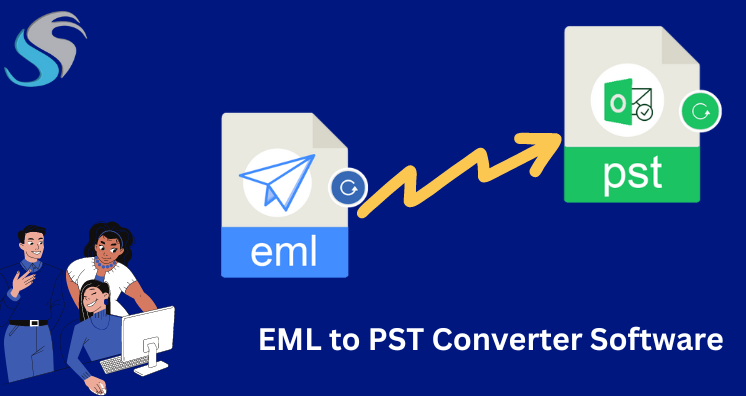
Summary/Introduction: Are you looking to convert an EML file to a PST file? This guide provides you with valuable insights on how to seamlessly accomplish this task. Discover the most effective methods for converting EML to PST format, ensuring better access to your email data.
Overview: EML and PST Files
Emails are stored as EML files, and electronic mail documents, preserving all relevant information about the email’s sender, recipient, subject, and date. On the other hand, PST (Personal Storage Table) is a file format used by MS Outlook for message storage, offering significant storage capacity and flexibility.
Why Export EML to PST?
Converting EML to PST becomes essential in scenarios where EML files might become corrupt, jeopardizing data accessibility. Additionally, PST files provide independence from specific email clients, making them accessible across various Outlook versions. The expansive storage space in PST files is another compelling reason for the conversion.
Manual Conversion of EML to PST Format:
While manual methods exist, they can be time-consuming and require technical expertise. Here’s a step-by-step guide:
- Set up MS Outlook on your system.
- Install Windows Live Mail and select the File option.
- Choose Export from the File tab and select Email message.
- Click Microsoft Exchange and proceed with the migration to Microsoft Outlook.
- Open the choose folder option, deciding whether to export all folders or just one.
- The conversion process will begin, and you will select Finish to complete.
This method is cost-free but demands technical proficiency and time.
A Simple Way to Export EML Files to PST Format:
For a user-friendly and efficient conversion, consider using specialized software like Softaken EML to PST Converter. Every Windows OS version, including Windows 11, Windows 10, Windows 7, Windows 8, Windows 8.1, Windows 2000, Windows Vista, Windows XP, and so on, is compatible with the program. For a quick and efficient conversion of EML files to PST, consider using the EML to PST Converter Tool. This specialized software allows the seamless transfer of unlimited EML files to PST format, simplifying the process.
The software supports all MS Outlook versions such as; Outlook 2002, Outlook 2003, Outlook 2007, Outlook 2010, Outlook 2013, Outlook 2016, Outlook 2019. This automated tool simplifies the process and offers flexibility in exporting EML files to various formats, including PST. Follow these steps:
- Install and launch the Softaken EML to PST Converter.
- Add EML files, either single or multiple, or select an entire folder.
- Preview all EML files before beginning the conversion process
- Choose PST from the savings options.
- Browse the location to save the exported data file and click Save.
- Click on the “Convert” button and start converting EML files to PST format.
Last Thoughts, by Author Pen
Understanding the importance of converting EML to PST, this article explored both manual and automated methods. While the manual approach can seem intricate, the automated option with tools like EML to Outlook PST Converter provides a user-friendly and swift solution. Choose the method that aligns with your preferences to ensure a seamless and efficient conversion process. Get a free demo version of this app to learn more features and functions of the software.