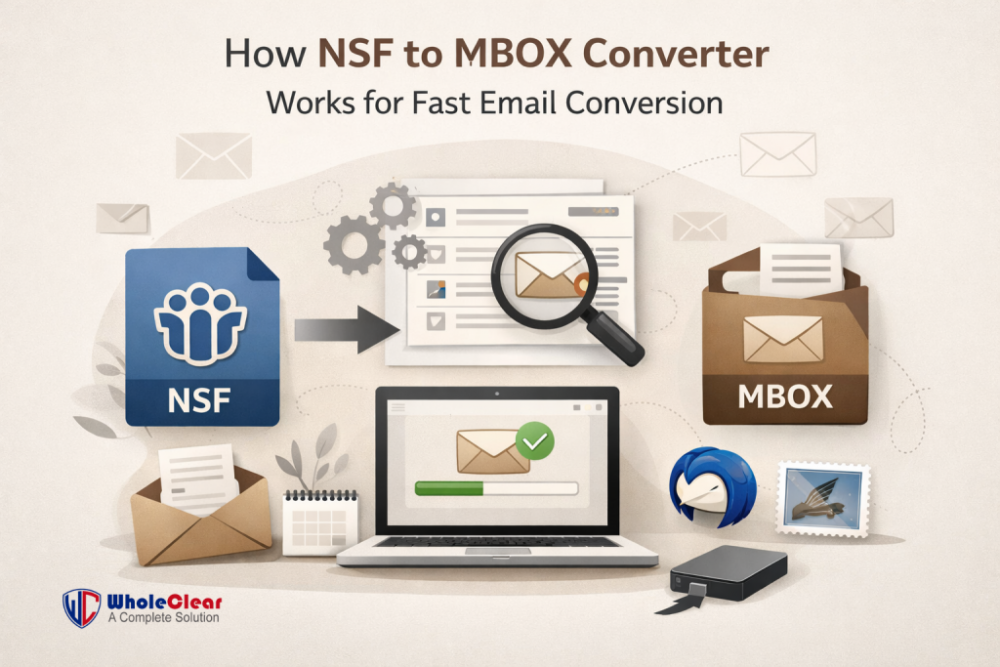
One of the most valuable things for businesses and people is their email data. A lot of people switch email services to get better features, reduced costs, or greater security. During this time of conversion, it is vital to convert email files. One thing that people often need to do is convert NSF files into MBOX files. This is when an NSF to MBOX Converter comes in handy. This article will explain what NSF and MBOX files are, how an Lotus Notes to MBOX Converter works, and how the conversion process makes sure that email conversion quick and correct.
What is an NSF File?
The abbreviation NSF stands for Notes Storage Facility. This is the default database file for IBM Lotus Notes (HCL Notes). An NSF file keeps:
- Emails and Contacts
- Calendars, tasks, and journals
These files are very closely connected to the Lotus Notes environment and can’t be easily opened outside of it. You need to convert NSF files into a format that works with other email clients like Thunderbird, Apple Mail, or other MBOX-supported platforms if you wish to move your emails from Lotus Notes to one of them.
What is an MBOX File?
Many major email clients, including the ones listed below, support MBOX, which is a common way to store emails.
- Mozilla Thunderbird
- Apple Mail
- Eudora
- Entourage
MBOX format stores all emails in one file, which makes it easier to handle, move, and back up. Many people choose MBOX because it works with a lot of different email platforms and gives them the independence and flexibility they need.
Why Convert NSF to MBOX?
There are a number of reasons why people need to convert NSF files to MBOX files:
- Moving from Lotus Notes to other email programs
- Accessing and moving email is easier.
- Less expensive to maintain
- More compatible with new systems
But converting manually is hard and dangerous. That’s why it’s a good idea to use professional converting software.
Advantages of Using Professional Converting Software
It can be hard to convert NSF files to MBOX format manually. Using a professional converting software makes this process quick, safe, and easy. Here are the main reasons why you should use a professional Converter.
Saves time and work
- It takes a lot of time and technical know-how to convert NSF files on your own. A professional converting software does everything automatically, so users can convert emails in just a few minutes. This saves time and effort, especially when dealing with big mailboxes.
Makes sure the data is correct
- One of the best things about utilizing a conversion tool is that it makes sure the data is correct. The software meticulously converts emails without losing vital information like the subject line, sender information, dates, and attachments. This makes sure that the conversion is complete and free of mistakes.
Keeps the folder structure in place
- A good Converter keeps the original folder structure the same. The inbox, sent items, drafts, and folders stay sorted after the conversion, so it’s easy to find emails in the new email client.
Keeps the formatting of emails
- When you convert an email, the formatting, such as fonts, colors, photos, and HTML text, stays the same. This makes sure that emails look the same in the MBOX-compatible email client as they did in Lotus Notes.
Can convert a lot of files at once
- Most Converter programs let users convert more than one NSF file at a time. This mass conversion option is quite helpful for enterprises and IT managers who have to deal with a lot of email data.
Works with a lot of email clients
- Many well-known email programs, such Apple Mail and Mozilla Thunderbird, can read MBOX files. When users convert NSF files to MBOX, they can view their emails on numerous systems.
Easy-to-Use Interface
- Anyone can utilize a professional converting software, no matter how tech-savvy they are. The easy-to-use interface makes it possible for anyone, even those who aren’t tech-savvy, to finish the conversion without any problems or extra training.
No chance of losing data
- Professional converter software use safe methods to convert files that keep the data safe. The original NSF files stay the same, therefore there is no chance of losing or corrupting data throughout the process.
Easily works with big NSF files
- It can be hard to handle large NSF files. An IBM Notes to MBOX Converter can handle big files without slowing down, making sure that the conversion goes smoothly and reliably.
A solution that doesn’t cost much
- An IBM Notes to MBOX Converter is a cheap solution to move emails. It makes people and enterprises less dependent on IT expertise and less downtime, making it an inexpensive alternative for both.
Best Software Solution for NSF to MBOX Conversion
Before you finish, you need to pick the correct tool for a flawless conversion. WholeClear NSF to MBOX Converter is a reliable tool that makes the whole process easier. It gives fast and error-free conversion from NSF to MBOX. Keeps the structure and layout of emails. It can handle big NSF files. It comes with an interface that is easy to use. ensures no data loss when converting.
This software is great for both individuals and businesses that need a reliable way to convert files.
How to Quickly Use the Software
Download and Install
- You need to get the software and install it on your computer.
Start the software
- Open the tool and click Add File to browse and choose the NSF file.
Preview Mailbox Data
- The tool examines the NSF file and gives a glimpse of folders and emails.
Choose MBOX as the output format.
- Pick MBOX from the list of formats you can save in.
Select the Destination Location
- Choose the folder where you want to keep the MBOX file after it has been converted.
Begin Conversion
- To start the NSF to MBOX conversion, click “Convert.”
Final Thoughts
When switching from Lotus Notes to more flexible email platforms, it is important to convert NSF files to MBOX format. This process can be automated with a professional Converter, which makes sure that the conversion is quick, safe, and accurate without any technical problems. Tools make the job easier by keeping the structure and data of the emails. With the correct tools, anyone can move their emails safely and quickly.
FAQs
Q1. Is it possible to convert NSF to MBOX without having Lotus Notes?
No, a lot of professional converters not let you convert files without having Lotus Notes installed on your computer.
Q2. Does the conversion modify the original NSF file?
No, the original NSF file stays the same. The process of converting is absolutely safe.
Q3: Is it possible to convert more than one NSF file at a time?
Yes, most powerful tools can convert more than one NSF file at a time.
Q4. Will attachments still be there after the conversion?
Yes, a decent software keeps all email attachments.
Q5. What email programs can open MBOX files?
MBOX format is supported by Apple Mail, Mozilla Thunderbird, and a number of other email clients.