Marcus had eleven months of runway left when he started getting quotes to build his home services marketplace, and the first agency wanted to charge him for two separate teams: one for iOS, one for Android, each on its own timeline, each billing separately for the same features built twice. He needed both app stores live before his seed round ran out, not one platform now and the other six months later once he’d raised again.
That’s the exact problem a Flutter app development company gets hired to solve, and it’s worth understanding what actually changes when a business makes that switch instead of just taking the pitch at face value. Flutter is Google’s open-source framework for building apps from one codebase, written in Dart, and it’s grown from “the cheaper option” into something engineering leaders in 2026 pick on its technical merits, not just its price tag. Here’s what that decision actually involves, where it holds up, and where it doesn’t.
One Codebase, Two App Stores, One Team
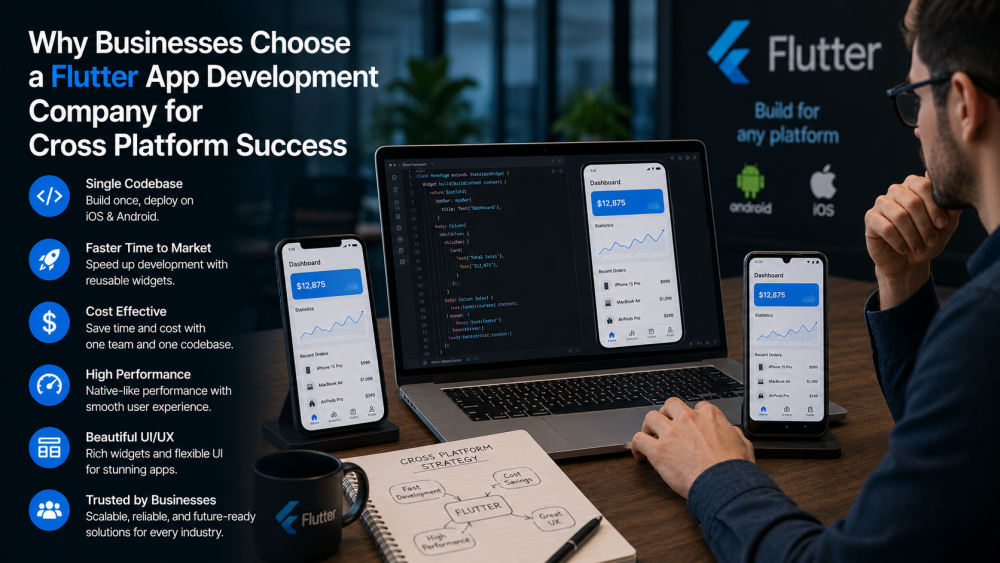
Flutter apps are built once in Dart and compiled ahead of time into native machine code for both iOS and Android, which means Marcus’s team wrote the marketplace’s listing screens, messaging, and payment flow exactly once instead of twice. Every widget renders through Flutter’s own engine rather than calling out to each platform’s native UI components, so a button, a form field, or a loading animation looks and behaves identically whether someone’s on an iPhone or a mid-range Android phone. Hot reload lets a developer change a line of code and see it reflected in the running app in under a second, which sounds like a minor convenience until you’re iterating on onboarding screens with a founder sitting next to you asking for tweaks in real time. For businesses exploring cross-platform solutions, working with a reliable hybrid app development company can help streamline development and maintain consistency across iOS and Android applications.
Whether It Actually Feels Native
The performance objection used to be fair. Older versions of Flutter compiled shaders at runtime, which caused a stutter the first time the app drew something new, a scrolling list, a transition, an animation it hadn’t rendered before. Impeller, Flutter’s current rendering engine, fixed that by pre-compiling shaders at build time instead, and it’s now the default renderer on both iOS and Android. The practical result is an app that holds a steady frame rate on long lists and complex animations without the jank that used to give Flutter apps away. For Marcus’s marketplace, with photo grids and a live chat feed, that mattered more than almost anything else in the build.
Flutter vs React Native, the Comparison That Actually Matters
Every founder building cross-platform eventually asks the same question, and when they ask why choose Flutter over React Native, the honest answer isn’t really about raw speed anymore, since both frameworks closed most of that gap in the last couple of years. React Native’s newer architecture removed its old JavaScript bridge and now calls native code more directly, narrowing the performance difference to something most users will never notice. The real difference is what each framework optimizes for. Flutter draws every pixel itself, so the UI looks identical across every device and OS version, which matters when brand consistency is part of the product. React Native leans on each platform’s native components, so it inherits an iOS or Android look for free but accepts small visual differences between them. Flutter also pulls from a smaller talent pool than JavaScript, though that gap has narrowed too as more developers pick up Dart specifically for cross-platform work.
Where Native Still Wins
None of this makes Flutter the right call for everything, and a development company worth hiring will say so upfront. Apps built around heavy 3D rendering, competitive gaming, or hardware-accelerated augmented reality still lean toward native, because those workloads push GPU access harder than Flutter’s rendering engine is built to handle. When a Flutter app genuinely needs something platform-specific, a payment SDK, a proprietary sensor, a feature only available through Apple or Google’s native APIs, it can call directly into Swift or Kotlin code through Flutter’s platform channels. Most production Flutter apps end up with a handful of these native bridges for exactly that reason, which is different from saying the whole app needed to be built natively in the first place. A marketplace app like Marcus’s rarely needs any of this. A fitness app doing real-time camera-based form correction, or a game rendering complex 3D environments, is a different conversation entirely, and a development company that pitches Flutter for every project regardless of what it’s actually for is optimizing for their own delivery speed, not for the product.
The Real Cost Difference
A single codebase means a single team, and a single team means one group of engineers who understand the whole product instead of two teams that each know half of it and have to stay in sync through every release. That shows up twice: once during the build, when Marcus’s team shipped both app stores in roughly the same time a native team would have needed for just one, and again a year later during maintenance, when a bug fix or a new feature only has to be written once. Dart developers do tend to cost slightly more per hour than the average JavaScript developer, but that premium is usually smaller than the savings from not paying two teams to build and maintain the same features twice.
Marcus launched on both app stores nine weeks after picking Flutter, with runway left over for the parts of the business that actually needed his attention. He didn’t choose it because it was trendy. He chose it because the math worked, and for most businesses trying to reach iOS and Android without splitting a team in two, it still does.