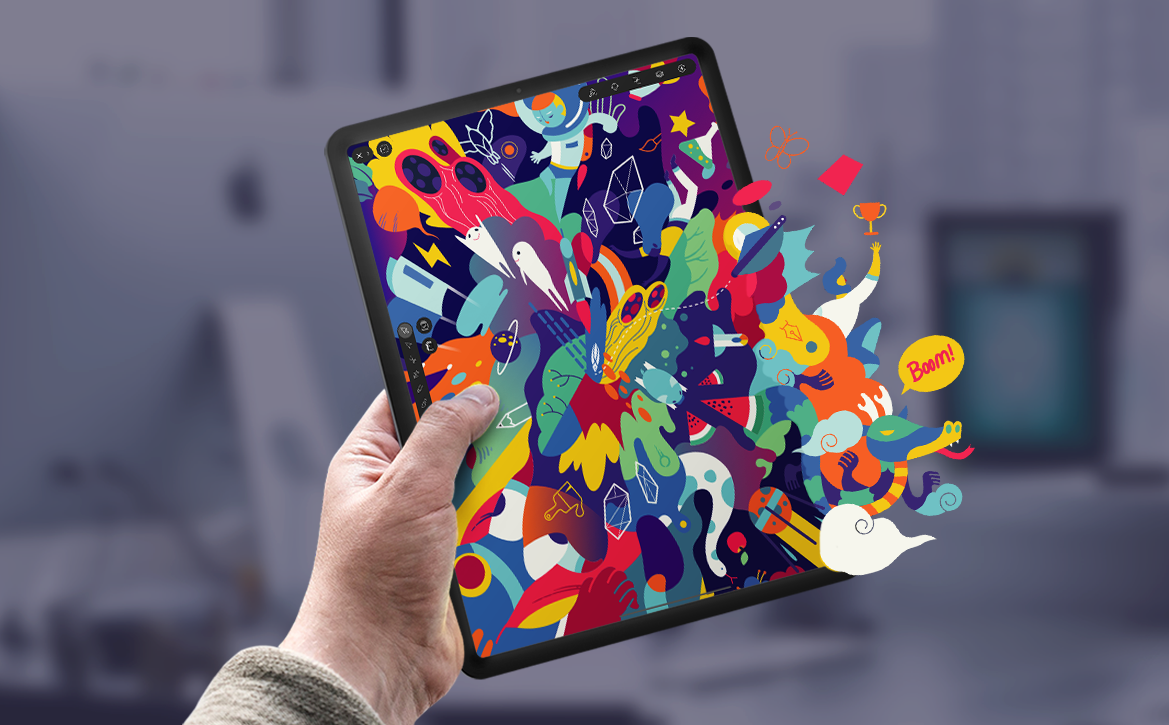
The biggest asset or tool a graphic designer has is their command or control over the tools. It is the single most important thing which counts. Graphic designing software really plays a role which is unexplainable in creating the kind of art and content we see designers producing.
In this article, we will try to make you understand the different kinds of contributions that some of the leading software have in contributing to the work of graphic designing.
A design course is more than equipped to teach you all about the various graphic designing elements.
Using the appropriate tools may greatly boost your talent, whether you’re a novice graphic designer or a seasoned digital artist. A well-designed graphic design programme provides easy controls and versatility that are simple to use for a beginner while also providing far superior tools for a seasoned user.
The easiest approach to figure out which software will work best for you is to get your hands on it and try it out. Features, simplicity of use, efficiency, affordability, and accessibility are all characteristics of each piece of software.
These tools have been tried and true, and they can help you develop stunning unique designs that will captivate your clients.
Adobe Illustrator and Photoshop
On both the desktop and iPad, the graphics are stunning.
Photoshop and Illustrator have you covered whether you’re designing billboards or company IDs. On your PC or iPad, bring excellent, precise raster images as well as adaptable vector graphics, and save your designs as cloud files to retrieve them from any device.
Adobe Spark and InDesign
Layouts should be all-in.
Use eye-catching layouts for leaflets, social updates, newsletters, and more to make your narrative stand out. Create high quality documents with graphics, pictures, and typography using InDesign. With the help of Adobe Spark, you may improve your social profile.
A Little About Creative Cloud
With Creative Cloud, you can take your designs to entirely new levels.
You can access dozens of fonts from Adobe Fonts and thousands of Adobe Stock images, illustrations, and layouts to kickstart your projects. Creative Cloud Libraries and cloud documents let you work seamlessly across all your creative programs, keeping your ideas connected and accessible.
Graphic design courses now teach you how to use these tools effectively. You’ll learn to adapt them, integrate them into your daily design workflow, and go beyond photo editing. You can create new designs, business templates, and entertainment banners, expanding your creative possibilities.
If you’re interested in learning graphic design, reach out to us. We can arrange a free counseling session to guide you. Wishing you the very best in all your future career endeavors!
Good Luck!