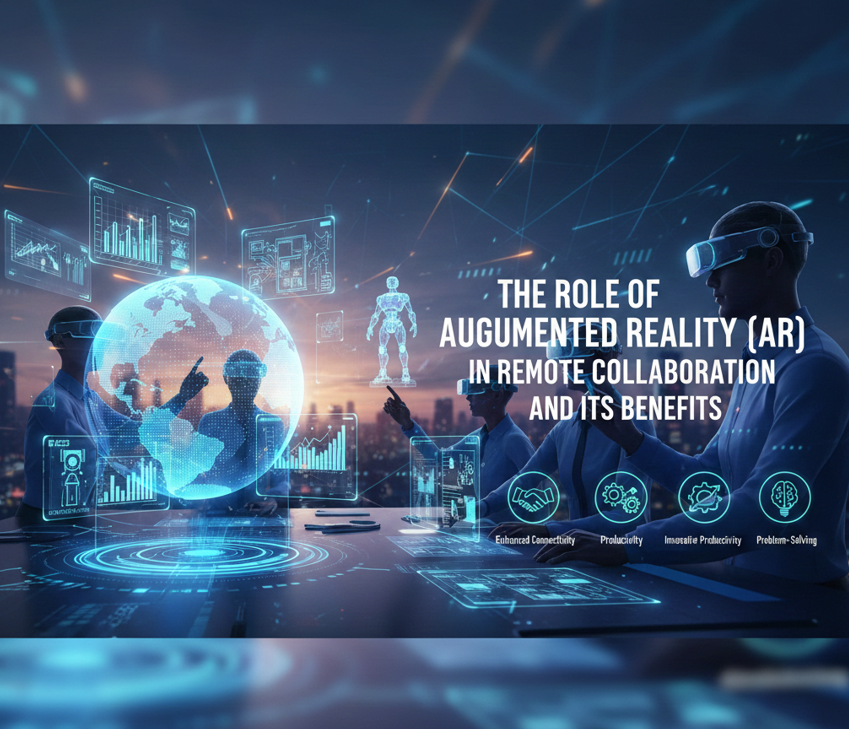
Imagine you want to buy a car and you’re also curious about its features and how it looks. As with AR collaboration apps, you can simply view 3D designs from your comfort zone. You can simply see a car’s interior features in 3D. AR in a remote work environment that allows people in different locations to interact with shared digital content layered onto the real world. Instead of just walking through video calls, AR enables teams to see, guide, and manipulate virtual objects together in real time.
This guide will let you walk through how AR enhances business communication and how it works. Let’s grab it!
Quick note:
- AR bridges the gap between the physical and digital worlds, allowing users to experience models in a 3D world.
- Augmented Reality in remote collaboration supports real-time visual guidance, 3D model sharing, hands-free assistance, and enhanced virtual meetings.
- Faster problem-solving, enhanced productivity, better training, and learning are some of the benefits of AR in virtual meetings.
- According to research, around USD 9.5-13.5 billion in growth is expected by the early 2030s.
Let’s move further and learn from scratch about Augmented Reality.
What Is Augmented Reality in Remote Collaboration?
Remote collaboration enables people to interact with others, including team members in different countries or locations, via platforms like Zoom or Skype. Augmented Reality bridges the gap between the physical and digital worlds by overlaying 3D models, instructions, or annotations onto physical environments through devices such as smartphones, tablets, or AR glasses.
Imagine you live in America and you want to buy a custom-made wooden dining table from a craftsman in India. Instead of relying on photos and videos, they use an Augmented Reality collaboration App. This app allows you to see a 3D model of the table placed inside her own dining room through her phone, also, you can resize it if it fits your space, change colours or materials in real time.
Now you must be well aware of Augmented Reality in Team collaboration. Let’s move on to the next section and some common tools of AR in Virtual Meetings.
Common Tools of AR in Virtual Meetings
Let’s grab some of the familiar AR tools for virtual meetings that are available in the market, with millions of users.
- AR headsets and smart glasses (for eg, Microsoft HoloLens2, Magic Leap)
- Collaboration software platforms (for eg, Microsoft Mesh, Spatial)
- Mobile AR apps (for eg, AR-enabled Zoom or Team integration, Pokémon Go’)
- 3D design and visualization tools (for eg, Autodesk AR tools, Unreal Engine)
- Cloud and network technologies (for eg, 5G networks, Real-time spatial mapping systems)
How AR Is Transforming Remote Work?
AR is reshaping remote work, including connecting global teams as if they are working at the same place, speeding up problem-solving and decision-making, reducing travel costs by enabling virtual on-site support, and more. Let’s know some of the top reasons that lead to AR in remote work.
More Interactive
With AR collaborative apps like Zoho Lens and Kiber3, these are among the top examples of AR in remote collaboration. Using these apps lets users view 3D annotations, offering safe and efficient expert interaction. It lets users understand more with in-depth and expert knowledge.
Real-Time Remote Assistance
Imagine a factory technician wears AR glasses while repairing a machine; he can guide while seeing and draw arrows or instructions directly onto the worker’s screen. This reduces downtime, travel costs, and delays.
Enhanced Remote Training
With tutorial videos, people can follow step-by-step visual overlays, practise tasks with real-time digital guidance, and receive instant remote feedback. This allows faster decision-making within a minimal time.
Enhancing Virtual Meetings
AR transforms meetings into shared experiences, including holographic presentations and virtual whiteboards appearing on screens. Also, for a deeper understanding, users can view 3D objects for product demonstrations.
Boosts Productivity and Efficiency
With collaborative apps, people gain a better understanding. This lets us reduce rework and improve workflow efficiency.
Breaks Geographic Barrier
With AR, distance becomes less of a limitation. AR collaborative tools allow users to interact, no matter how far your team members are working. This opens global opportunities for businesses and professionals.
Key Benefits of AR in Remote Collaboration
Below we have listed some of the advantages of AR in remote collaboration, let’s grab.
Better Communication
Exploring visuals improves interaction and understanding, eliminating confusion and misunderstandings.
Cost Savings
AR in remote collaboration tools eliminates travel costs, and AR-assisted experts can provide remote support.
Enhanced Productivity
As it assists in real-time support, it means faster task completion and reduced downtime.
Enhanced Engagement
With 3D visuals, users understand better than with video calls or images.
Better Training Outcomes
With a better understanding, learning and training outcomes improve.
Industries Leading
Let’s explore the industries that have adopted AR into their workflow operations.
- Manufacturing: Remote equipments
- Healthcare: Surgical guidance
- Construction: Virtual sites walkthrough
- Education: Interactive remote learning
- IT support: Live troubleshooting with on-screen annotations
Wrapping Up
AR works like an assistant for collaboration tools. AR technology for business communication bridged the gap between physical and digital worlds, enabling more immersive, interactive, and efficient collaboration. Overall, AR works like magic for industries, not only improving productivity but also helping users understand better than video calls and images.