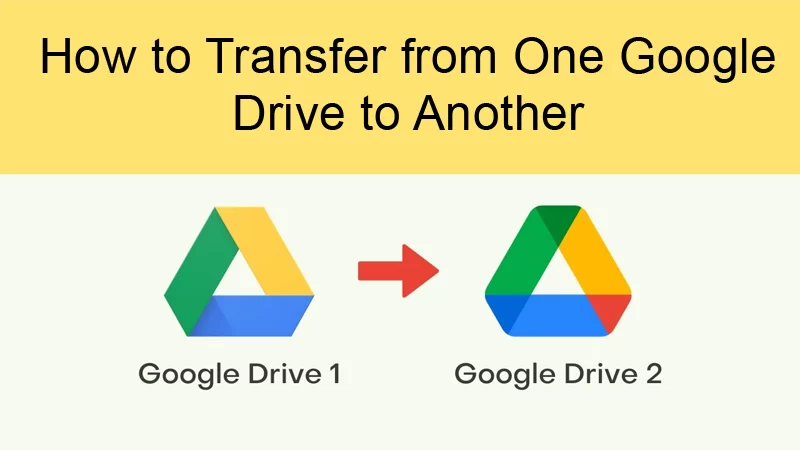
Google Drive is a dominant file-storing facility that Google offers. Users will get 15 GB of free storage, which is divided into Google Drive, Gmail, and Google Photos. If users want to know how to transfer Google Drive to another account with all the files, this blog will be helpful for them. Here, we will drive users to different methods to accomplish this task in a hassle-free way.
Users have different reasons why they are looking to do this migration task. If users have to move their entire data to a paid account, they perform this migration task. Also, in case the current account is not working properly, the users think of moving to another account. Apart from this, users may perform this task to fulfill their business needs and requirements.
Ways to move from Google Drive to another account
Users can use two solutions to accomplish the migration of their Google Drive files. The first is the manual method, and the other one is the Google Drive Migration Tool. Let us briefly discuss both the solutions to accomplish the migration of Google Drive files. The next section will introduce the stepwise process of both solutions to accomplish the migration of Google Drive files.
Manual approaches to perform the Google Drive migration
Here, we will focus on two manual methods to transfer Google Drive to another account in a simple manner. We suggest users understand each solution carefully to have the effortless migration of their Google Drive files.
1 Migrate Google Drive files using the Share option
Google Drive has a Share option that we are going to use in this method to migrate Google Drive to another account with all files. Users can follow the below-shared steps to complete this migration task.
- Open the Google Drive and sign in with your account and password.
- After that, pick the folders or files you want to move to another Google Drive account.
- Right-click on the selected files, select Share, and again choose the Share option.
- Now, enter the email address of your other Google Drive account and click the done button.
- Afterward, log in with your other Google Drive account and go to the Shared with me option.
- Google doesn’t allow users to copy the folder, but they can make a copy of the files and then transfer files to a folder.
- Right-click on the selected files, click the Make a copy and move the files to a new folder.
- After that, go to the primary account again and delete the original folder from your Drive.
2 Download and upload way to move Google Drive files
Now, we will utilize the Download and Upload method to transfer Google Drive to another account. The below steps will help users to do this task effectively.
- Enter your primary email address and password to log in to Google Drive.
- After that, make right-click on the selected files you want to move to another account and hit the Download button.
- Then, log in with your other Google Drive account where you want to export the downloaded files.
- Now, tap the (+ New) button to upload the download files into your secondary Google Drive account.
That is how users can transfer Google Drive to another account using the manual methods. New users may face issues in moving their files manually. Users require good technical skills to have an effortless migration of their files. Also, it works slowly, so users have to wait for a long time to accomplish this task.
Users can choose a professional third-party tool to do this task in a simplified manner. To get the complete details on its features, users can read the below section.
Migrate Google Drive to another account with a simple way
It is a little bit tough for users to migrate their Google Drive files manually. So, the best tool that all users can perfectly use to perform this task is the Shoviv Google Drive Migration Tool. This software keeps the originality of the folder hierarchy of the data while moving files to another account. Moreover, it comes with numerous features and facilities that users can understand using its free demo version.
Wrapping Up
This blog has discussed several methods to transfer Google Drive to another account with all data. Ultimately, we advise users to use the Shoviv professional third-party tool to accomplish this task hassle-free. Moreover, new users can also use this professional to do this migration task without any issues. Users can easily check its compatibility by trying its free trial version.