Introduction
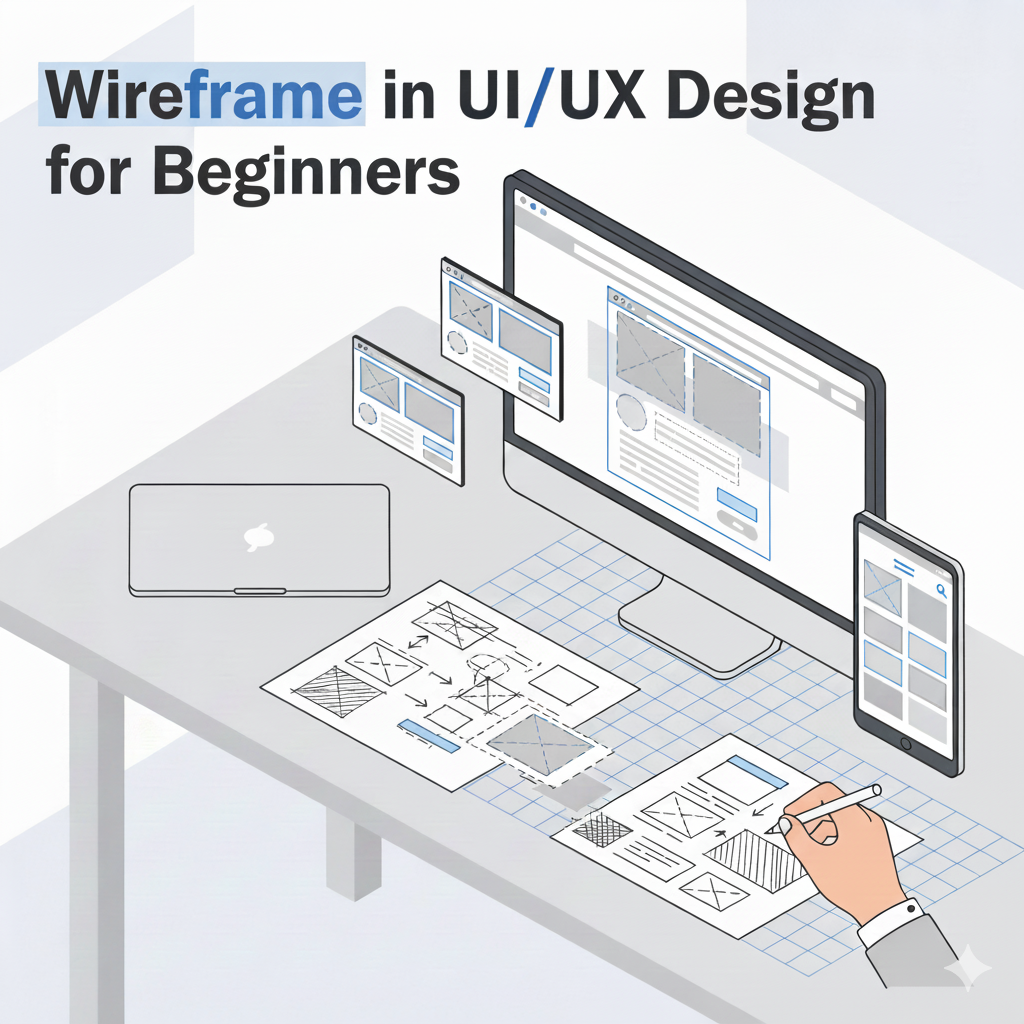
Wireframing is often regarded as a key phase in UI/UX design, which is partly correct, but it is typically overlooked until you try to develop something fresh from scratch. Before you decide on colors or typography, you normally sketch up a rudimentary layout that depicts how people could navigate the interface. It’s not spectacular, simply boxes and lines, but it provides everyone an initial glimpse of the framework.
At this level, the wireframe functions as a working draft. It helps the designer organize their thoughts, making it easier to identify what consumers may require, and offers teams and stakeholders something real to react to rather than abstract explanations.
If you’re new to UI/UX, wireframing is one of those foundational skills you must master. In this post, we’ll go through everything you need to know about wireframes, how they fit into the design process, the different types you’ll come across, and the advantages and disadvantages behind them. Trust me, it’ll be a fun journey.
What Is a Wireframe?
A wireframe is basically a rough sketch of a webpage or app screen. You usually see simple boxes, lines, or labels showing where things like a “Sign Up” button, a menu icon, or a banner image might sit. The point is not to make it look polished. It is more about understanding the layout, the order of information, and the path a user is likely to follow as they move through the screen.
People often compare wireframes to architectural blueprints, and the analogy mostly makes sense because both map out structure before anything decorative is added. Still, the comparison is not perfect. A wireframe will not show transitions, timing details, or how a button actually reacts when someone taps it. Even so, having a wireframe early in the process usually saves a lot of back-and-forth. It gives the team a clearer sense of direction and helps everyone stay aligned on what the final interface is meant to achieve.
Wireframe vs Prototype
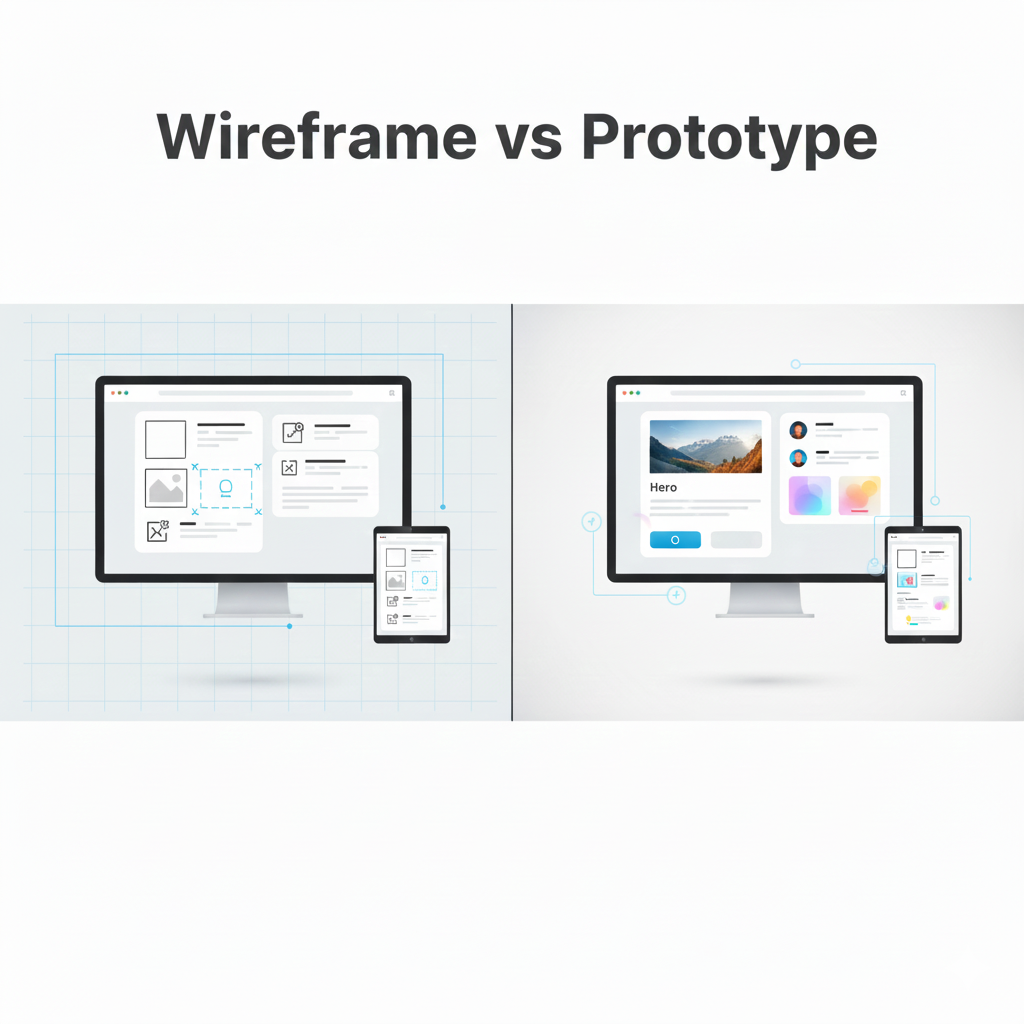
Wireframes and prototypes are often confused, but they serve different purposes in the design process. Here is a list of some key differences between them.
| Feature | Wireframe | Prototype |
| Purpose | Used to Defines structure and layout | Used to Demonstrates interaction and functionality |
| Detail Level | It has only Low detail | It has Medium to high detail |
| Interactivity | It is Mostly static | Its is Clickable and interactive |
| Focus | It is mainly focuses on Content placement, navigation flow | It is mainly focused on User actions, transitions, usability |
| Appearance | It’s just made up of Simple boxes, and placeholders | Closer to the final UI design |
| Used In | Its is used in Early planning stages | Its is used in Testing, feedback, presentations |
| Speed to Create | Very Quick and easy to Create | Takes more time to develop |
| Best For | Sketching ideas, aligning team | Usability testing, stakeholder approval |
| Tools Commonly Used | Paper sketches, Figma lo-fi frames, Balsamiq | Figma prototypes, Adobe XD, Axure |
| Output | Structural blueprint | Interactive model |
Types of Wireframes
Wireframes come in different levels of detail depending on the design stage and purpose.
Low-Fidelity Wireframes (Lo-Fi)
Low-Fidelity or LO-FI wireframes are made by drawing simple digital drawings or rough sketches focusing only on structure. Which is Ideal for brainstorming and quick revisions.
Mid-Fidelity Wireframes
Mid-Fidelity or shortly Mi-Fi is a wireframe made-up of more refined layouts with better alignment, spacing, and clearer labels. Which is more useful for team discussions and planning.
High-Fidelity Wireframes (Hi-Fi)
High-Fidelity or Hi-Fi WireFrames are detailed and closer to the final design but still not fully styled. It helps in presenting clear ideas to clients or developers.
Interactive Wireframes
Interactive Wireframes are Clickable wireframes that simulate navigation flow. It is useful for testing user journeys before creating a full prototype.
Advantages of Wireframes
Wireframes offer several important benefits in UI/UX design:
- It Provide a clear visual structure to developers and clients
- A clear wireframes help teams focus on user experience instead of visual design
- It Saves time and reduce costs of development by providing clear insights
- Improve communication among designers, developers, and stakeholders
- With wireframe we can easily detect layout or navigation issues in the early stage of development
- It Makes planning easier for both design and development teams
Disadvantages of Wireframes
Despite their benefits, wireframes also have some limitations:
- Its does not show any final colors, visuals, or branding
- Clients may misunderstand the simplicity of the layout
- Beginners may find the process little time-consuming
- A Static wireframes cannot display animations or transitions
- Frequent revisions may be required during early stages of designing.
Conclusion
Wireframes play a crucial role in building clear, functional, and user-friendly digital products. They help designers plan layouts, structure information, and visualize user flow long before visual design or development begins. For beginners, students, job seekers, and anyone entering UI/UX, learning how to create effective wireframes is an essential first step toward mastering the design process. With strong wireframing skills, you can bring ideas to life and create designs that users can navigate easily and intuitively.