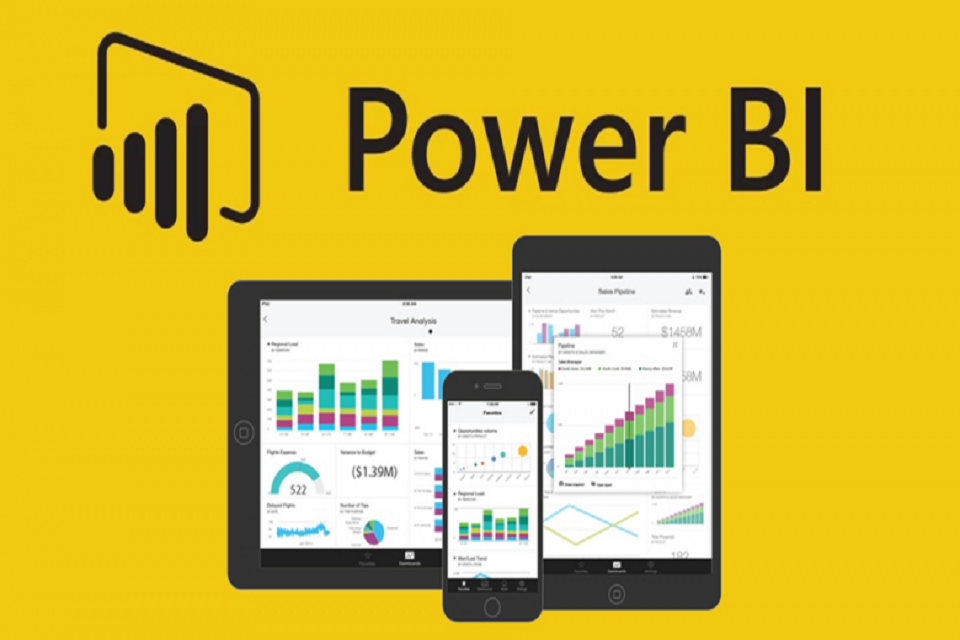
Microsoft Power BI is a business analytics tool that allows users to visualize data, build dashboards, and embed them in applications. Being cloud-based, it eliminates the need for infrastructure investments or maintenance costs. Neither is Microsoft Power Bi bound by any kind of legacy software constraints. Also, it enables end users to create reports and dashboards by themselves, with zero dependency on database administrators or any information technology team.
Given below are some benefits of getting a Microsoft Power Bi Implementation done. These have been suggested by every second Microsoft Power Bi Expert and their efficacy goes unquestioned. These benefits cover every aspect of Power Bi, such as Power Bi Services, Power Bi Analytics, power Bi Dashboards and Visualizations etc.
Transforming Businesses
A Microsoft Power BI expert can implement the platform to maximize its features. The Query Editor in Power BI Desktop allows transformations like changing data types, adding columns, splitting and merging data, and combining queries, making report formatting and visualization much more efficient.
Being Interactive
Interactive reports are possible to retrieve through the Power Bi once multiple visualizations have been added to the same. Changing outputs in visualizations are possible when the end user simply clicks on a bar placed on a bar chart. Values of location charts, lists and KPIs can be viewed by simply choosing a location in map visuals itself. Once the filter option in Power Bi has been turned off, all filtered-based options within the chart become inaccessible. Thus, it can safely be said that the power Bi offers clarity and enhancement in structure unlike any other solution, helping put report in action by reducing the time frame to create and analyze them.
Advanced Features
Power Bi uses a formula language known as data analysis expression (DAX). Its functionality is very similar to Microsoft Excel, and it also eliminates the complications that come with Excel reports. DAX helps create one’s own metrics in Power Bi such as monthly growth, YTD, percentage difference etc.
Retrieve Information
A full Microsoft Power BI implementation by an expert enables users to discover hidden insights in their data. The “Insights” feature generates multiple charts within charts, offering stronger metrics that can be pinned to dashboards. This helps identify extra revenue, trends, and cost-saving opportunities.
Store Extensively
Power BI can quickly load and transform millions of data points while compressing files without loss of quality. For instance, a 450 MB file can shrink to 50 MB when uploaded, making it easier to manage large datasets. This allows users to view data efficiently, rather than dealing with multiple Excel sheets.
Summary
These benefits of Microsoft Power Bi make it a very useful solution in every way and working on it can help increase productivity manifold besides helping additional revenue as well.